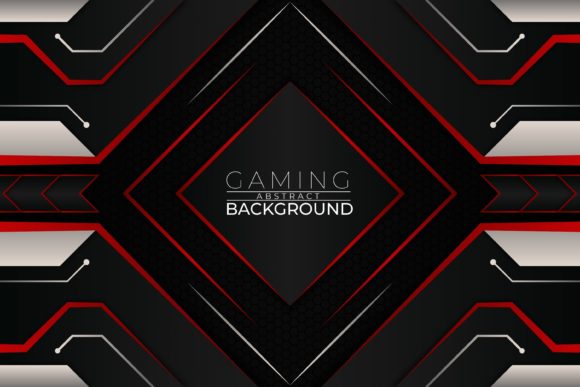
The Power of Vector Files: Your Ultimate Toolkit for Creative Projects
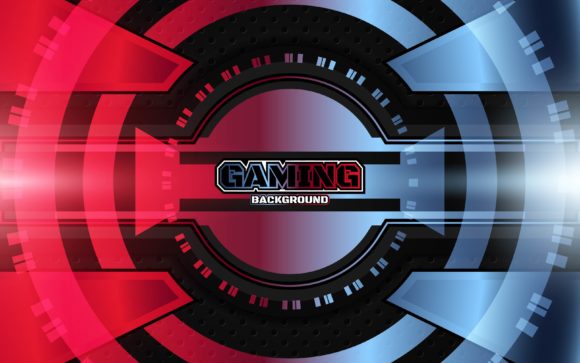
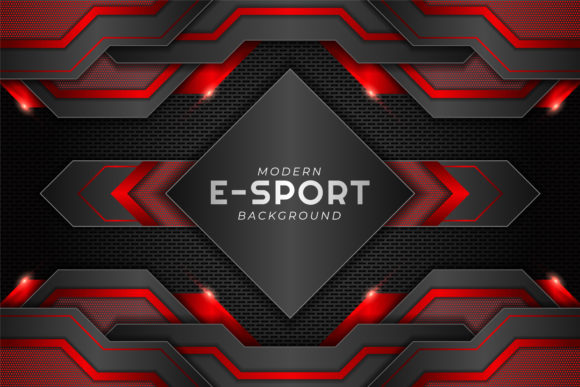
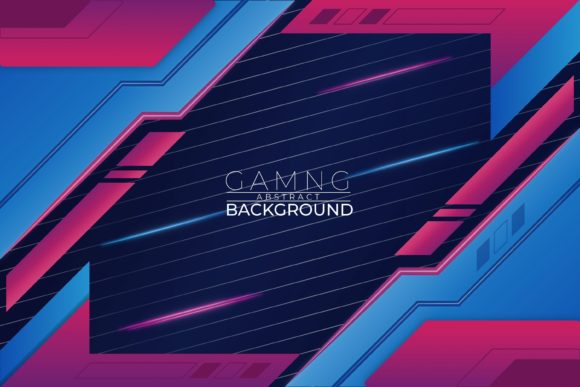
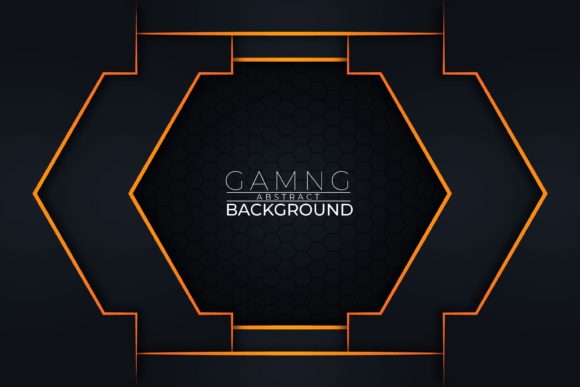
Imagine you have a beautiful graphic—a gaming-themed background full of intricate, abstract shapes. You need it for a website banner, but the size is wrong. You want it for a poster, but the colors don't match your brand. You try to stretch it, and it becomes a blurry, pixelated mess. This frustrating scenario is all too common with standard image files like JPGs. But what if you had a file that could solve all these problems? This is where the world of vector files comes in, offering a revolutionary approach to digital graphics.
What Are Vector Files, and Why Are They Different?
To understand vector files, we first need to grasp the two fundamental types of digital images: raster and vector. A raster image, like a JPG or PNG, is made of a fixed grid of tiny colored squares called pixels. It's like a mosaic. This format is excellent for capturing complex details, like photographs. However, its major limitation is resolution dependency. Enlarging a raster image means stretching those pixels, which results in loss of quality—the dreaded pixelation.
A vector image is built on a completely different principle. Instead of pixels, it uses mathematical formulas to define points, lines, curves, and shapes. Think of it as a set of precise instructions, like a blueprint. The computer uses these instructions to draw the graphic on-screen every time you open it. This core difference gives vector graphics their magical properties: they are infinitely scalable. You can resize a vector graphic from a tiny icon to a billboard-sized print, and it will remain perfectly sharp and clear, with no loss of quality.
The Anatomy of a Professional Vector Pack: What You Really Get
When you download a premium resource like a "Gaming Abstract Background" vector pack, you're not just getting a picture. You're acquiring a versatile, professional toolkit. Let's break down what a typical offering includes and why each component matters.
- 100 Vector Shapes, Resizable: This means the pack contains 100 distinct graphic elements—abstract shapes, symbols, or components that make up the overall design. Each is a separate, editable object. Having 100 shapes provides immense flexibility; you can use them all together, select a subset, or even use individual shapes in completely different projects.
- Organized Layers: In the vector source files (AI and EPS), these 100 shapes are likely arranged on separate, labeled layers. Like layers in a stack of transparent sheets, this organization lets you hide, edit, or rearrange elements without affecting others. It makes the file easy to navigate and customize, even for complex designs.
- Openable, Editable, and Resizable Without Losing Quality: This is the hallmark of vector formats. You can open them in professional software like Adobe Illustrator, edit any aspect—size, position, shape—and save them for any use, from web to print.
- Possible and Easy Change Color: Vector shapes are typically filled with solid colors or gradients that are not "painted" but assigned. Changing the color of an element is often as simple as selecting it and choosing a new hue from a palette. This makes adapting a design to different color schemes or brand guidelines effortless.
- High Resolution & Easy to Use: "High resolution" for vectors means the mathematical data is precise enough to render at any resolution you demand. "Easy to use" refers to the organized structure, allowing even those with basic vector software knowledge to make meaningful changes.
- You Get – Image JPG – Vector EPS – Vector AI: This trio caters to different users and workflows. The JPG is a ready-to-use, high-quality raster preview for quick placement or for users without vector software. The EPS (Encapsulated PostScript) is a universal vector format readable by many design and even some non-design applications. The AI (Adobe Illustrator) file is the native, fully-editable source file with all layers and features intact, offering the deepest level of control.
The Practical Relevance: Where Vectors Fit Into Your Modern Creative Life
Vector graphics are not just for professional graphic designers. Their utility permeates modern work, business, education, and daily creative activities.
For Business and Branding
Consistency is key in branding. A vector logo can be used on a website (small), a business card (medium), and a company vehicle wrap (large) without ever needing multiple versions or losing sharpness. Marketing materials like brochures, flyers, and banners often rely on vector-based illustrations and backgrounds because they ensure print-ready quality at any scale. The easy color change feature is invaluable for creating themed variations for different campaigns or product lines.
For Education and Communication
Teachers creating instructional materials, or organizations developing infographics, benefit hugely from vectors. Charts, diagrams, and educational illustrations built as vectors can be resized for slideshows, handouts, or large display boards clearly. The ability to edit and customize allows for tailoring content to specific lessons or audiences.
For Personal Creativity and Technology
If you design a personal blog, customize a gaming channel's avatar, or create artwork for a home project, vectors give you professional-grade assets without requiring professional-level skills. You can tweak a downloaded vector background to perfectly fit your space. In the digital realm, vectors are foundational for app icons, UI elements, and scalable graphics within software because they perform perfectly across different screen resolutions and densities.
Clarifying Common Misunderstandings About Vectors
Several assumptions often cloud the understanding of vector files, leading to misuse or missed opportunities.
- "Vectors are only for simple logos and shapes." While logos are classic use cases, modern vector art can be incredibly complex and detailed. An abstract gaming background with 100 shapes demonstrates this. Through layered, intricate paths, vectors can create rich, artistic compositions that rival the detail of raster images while retaining scalability.
- "I can't use vectors because I don't have Adobe Illustrator." While AI files require Illustrator, the included EPS format can be opened by many free or affordable alternatives like Inkscape, CorelDRAW, or even some online vector editors. The JPG provides a fallback for immediate use.
- "Changing colors in a graphic is always difficult." This is a raster-image problem. In a pixel-based image, colors are blended across thousands of pixels. In a well-built vector, a shape's color is a single, editable property. Switching a theme from blue to red can be done in minutes, not hours.
- "If it's high-resolution, it shouldn't pixelate." This is true only for vectors. A "high-resolution" JPG is still a raster file with a fixed pixel grid. Exceeding that grid's dimensions will cause pixelation. The phrase "high resolution" for vectors refers to their innate ability to generate a crisp image at any resolution you specify.
Building a Broader Understanding: Vectors as a Creative Philosophy
Beyond the technical specifics, embracing vector resources represents a shift towards more flexible, sustainable, and efficient digital asset management. It's the move from owning a static "picture" to owning a dynamic "template" or "construction set."
When you have a gaming abstract background as a vector file, you aren't locked into a single use. You have a foundational asset. You can:
- Extract individual shapes to create unique icons or emblems.
- Modify the color palette to match seasonal themes or different game genres.
- Resize it for entirely different mediums—from a YouTube thumbnail to a desktop wallpaper to a printed poster.
- Combine elements from this vector pack with others to build entirely new compositions.
This approach saves time, maintains quality consistency, and empowers creativity. It aligns perfectly with modern needs where content must be agile, adaptable, and multi-platform.
Examples in Action
Consider a small indie game developer. They download this vector pack. They use the full JPG as a quick background for their website's hero section. Then, they open the AI file. They change the vibrant colors to a darker, more mysterious palette for their game's launch trailer graphics. They isolate a few signature abstract shapes from the 100 available and resize them to serve as UI markers within the game's menu. Finally, they scale the entire design to a massive size to print on a banner for a gaming convention booth. One download serves a dozen professional purposes without ever compromising on visual integrity.
Conclusion: Your Gateway to Uncompromised Creativity
Downloading a resource that includes a JPG, EPS, and AI file is more than just getting a graphic; it's investing in a versatile creative tool. The vector files—with their organized layers, editable colors, and infinite scalability—remove the technical barriers that often hinder projects. They ensure that your vision isn't limited by file formats, resolutions, or fixed colors.
Whether you are a seasoned designer, a business owner building a brand, an educator creating materials, or a hobbyist exploring digital art, understanding and utilizing vector assets like this gaming abstract background pack fundamentally upgrades your capabilities. It puts the power of professional-grade, adaptable design directly into your hands, allowing you to focus on your ideas and message, knowing the graphics will adapt flawlessly to support them. Thanks for downloading… and for stepping into a world of creative possibility where quality and flexibility are never compromised.